QuietJump · 08 Sep 2026 · macOS
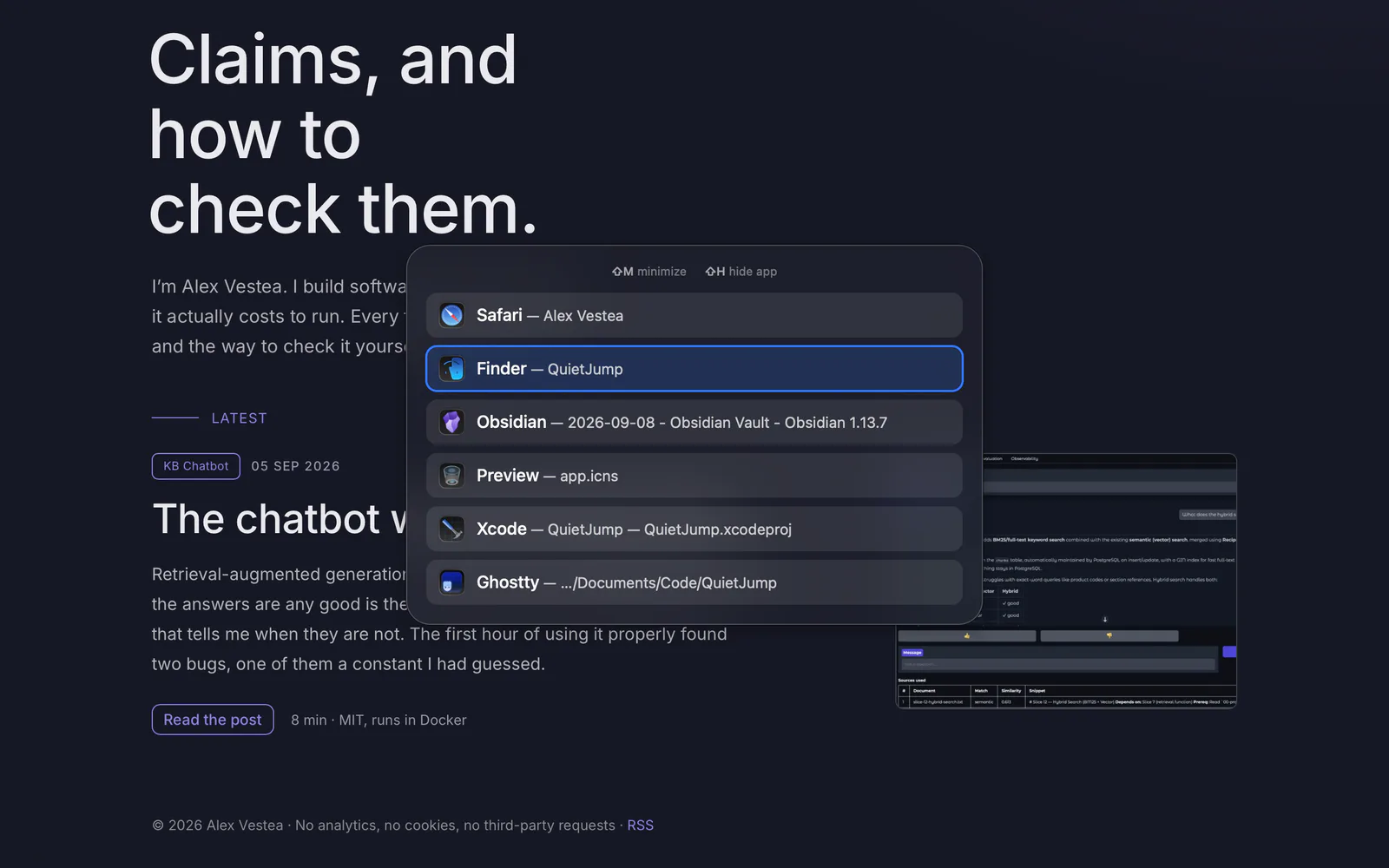
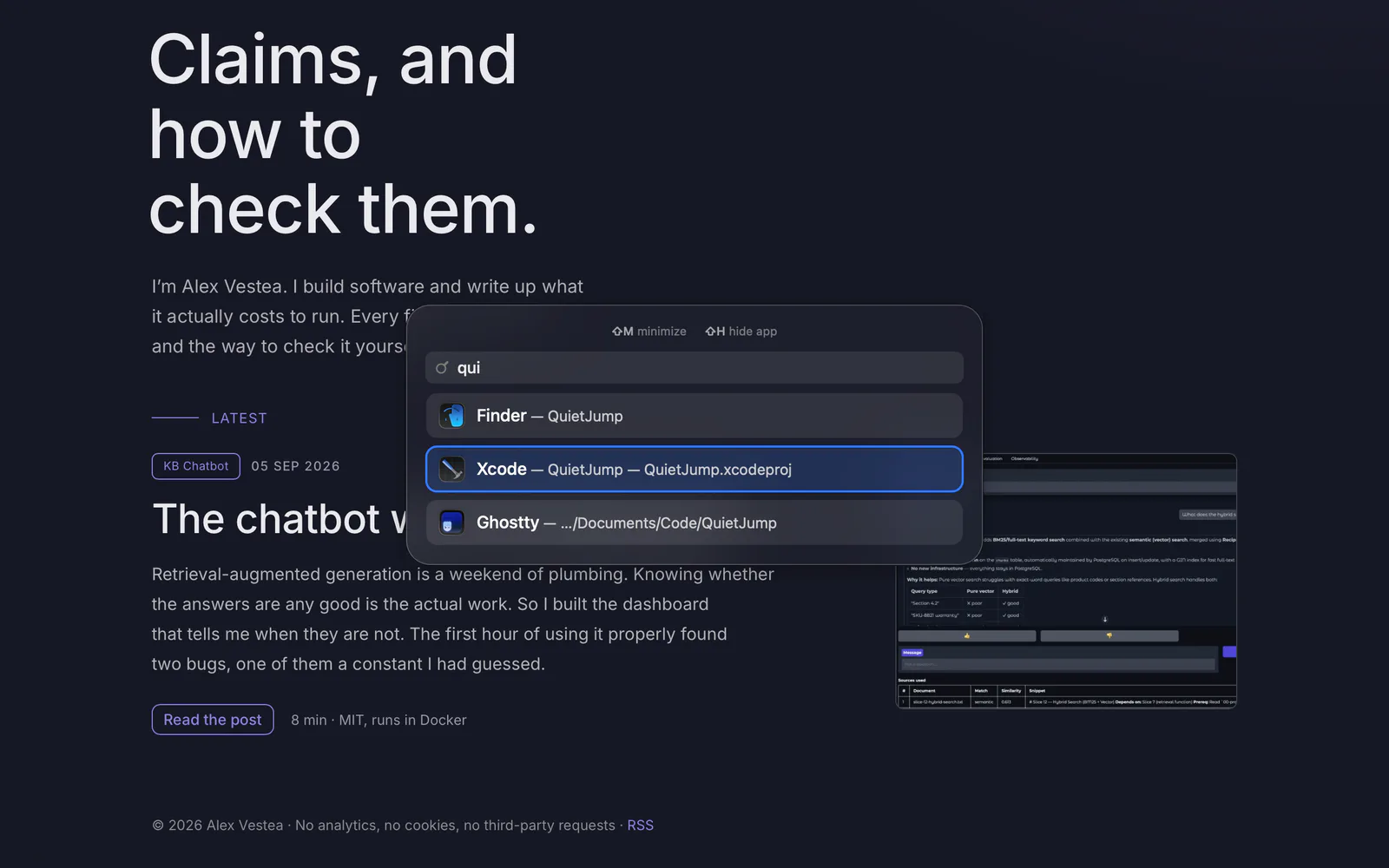
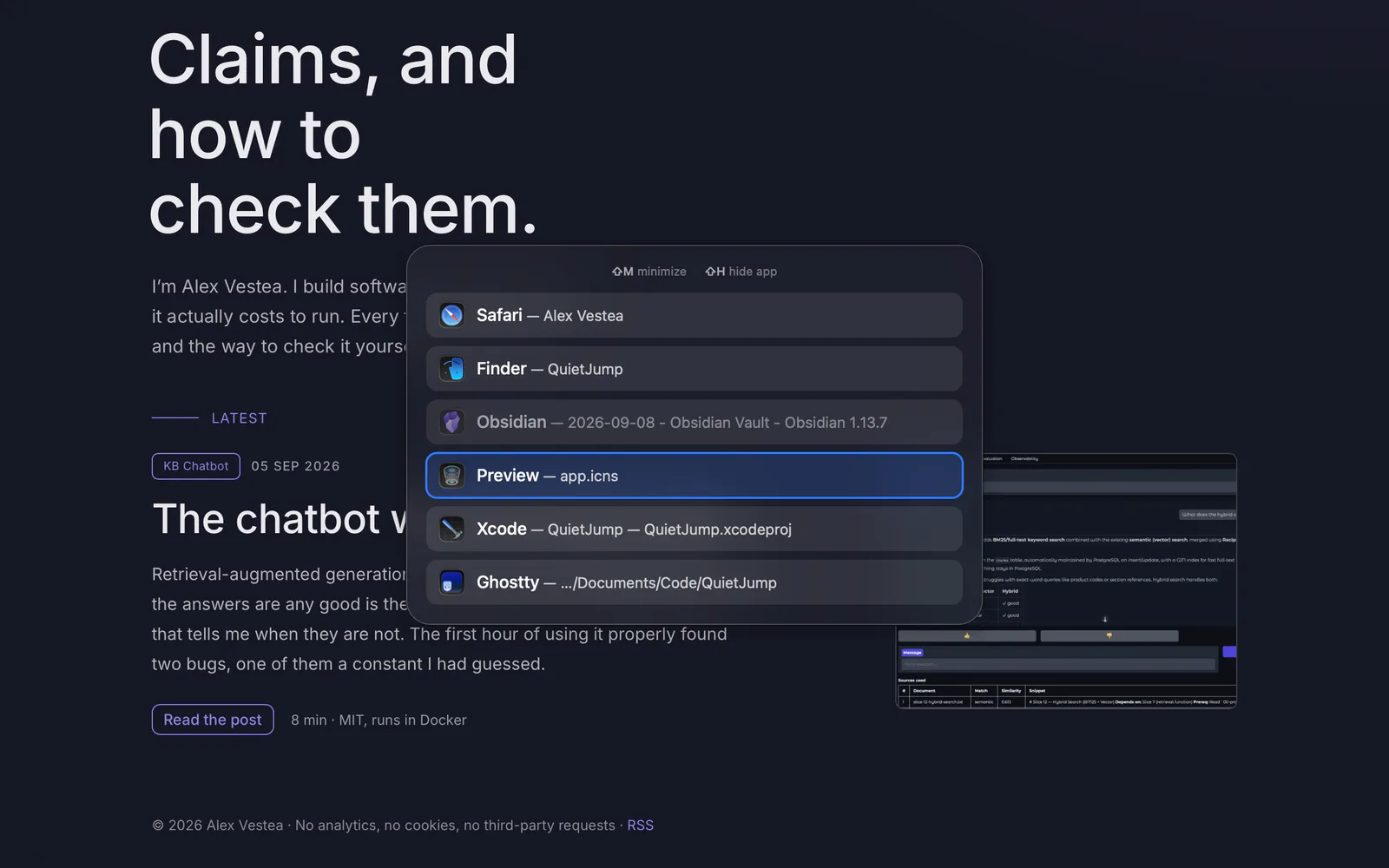
A window switcher that does nothing until you press Option
There are no thumbnails and no settings window. It does not check for updates, and it does not spend a single CPU tick while it sits there. I measured it twice, once before signing and once after, and every command I used is at the bottom of this page.
€9 QuietJump for macOS - what nine euros gets you
3 ms
Panel up after ⌥⇥
0
CPU ticks across 2 idle minutes
24 MB
Memory, settled
96 MB
Graphics while the panel is up, all of it returned
Why this exists
I am careful about what my machine spends, sometimes too careful about it. Anything that runs all day I want to be able to account for, and I would rather measure it than take somebody's word for it. That is why there is a section further down that hands you the commands, instead of four numbers you are asked to trust.
So before I wrote a line of this, I used what was already out there. They are good apps, and most people should use one of them. They were all doing more than I needed, though: previews to keep current, a preferences window to work through, something ticking along in the background whether or not I was switching windows. I wanted less than that, and less than that is what I could not find.
I wanted my privacy with it, too: no account to make, no telemetry, and not one call out to anything, including to me. The titles of the windows on your screen are as private as the documents they belong to, and an app that can read all of them has no business being able to send them anywhere. That was not on offer either, so I stopped looking and built it, and then I measured it to be sure it was the thing I had wanted in the first place.
When not to buy this
alt-tab-macos is free, open source, has about thirty thousand stars, and is the better choice for most people reading this. It shows you a live thumbnail of every window, which is the right answer if you keep six documents open in the same app and could not tell you the title of a single one of them. It is also more configurable than this will ever be, it is actively developed by people who have thought about this problem for longer than I have, and it costs nothing. If you have not tried it, try it before you consider paying me nine euros.
This one is for the narrower case: you know your windows by name, you want the list up and gone inside a keystroke, and you would rather the thing sat there costing nothing than kept a live picture of your screen up to date on your behalf. That is the whole design. There are no thumbnails to capture and no settings window to read, and because nothing follows your windows around while you work, there is nothing to do until you press Option. The table below is a summary of a decision already made, and every row of it is something I chose not to build. I put it there because people kept asking how it compared, and a table was easier than answering the question four separate times.
| Design choice | The free alternative | QuietJump |
|---|---|---|
| Price | Free, open source | €9 once |
| Thumbnails / previews | Yes | No |
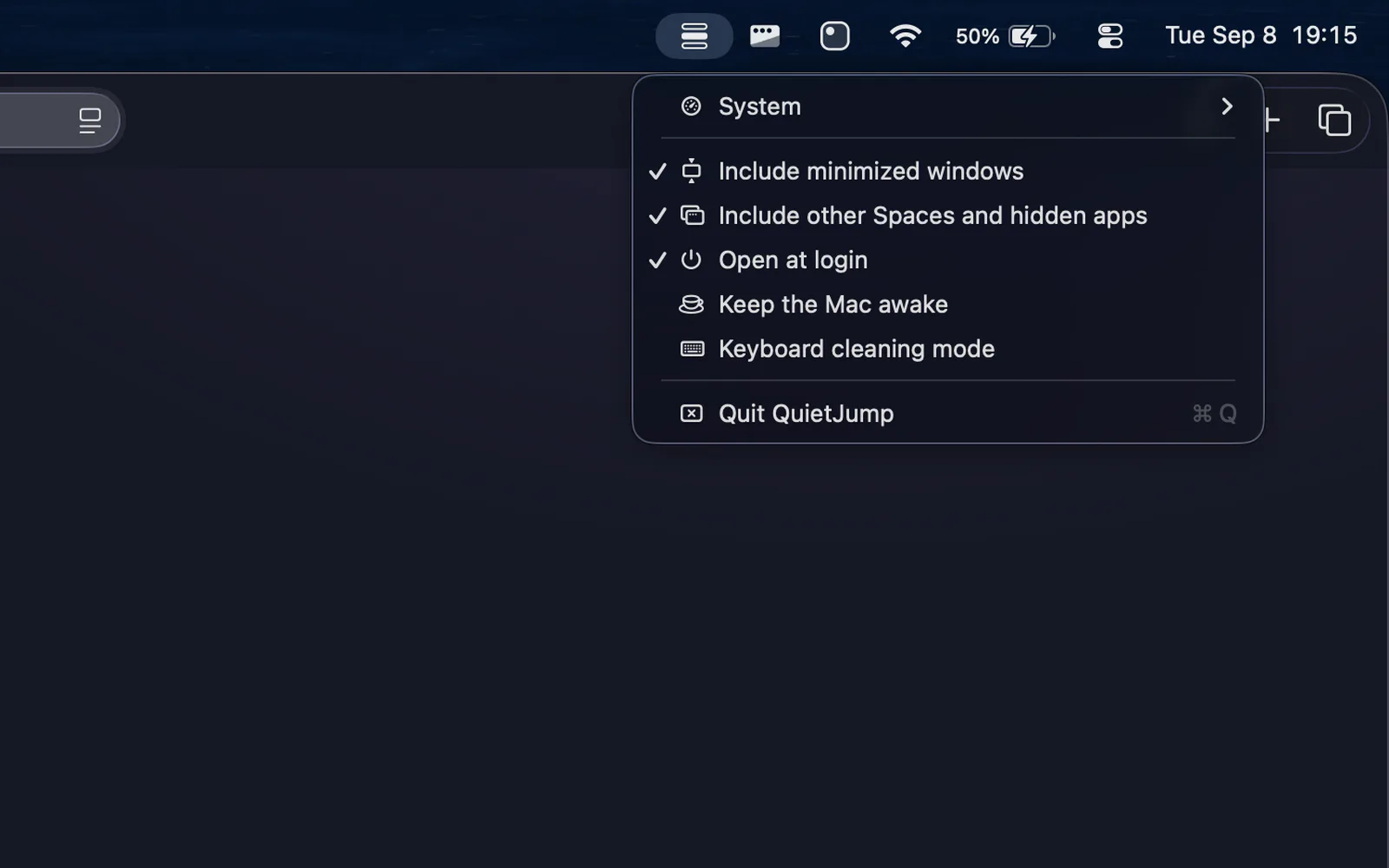
| Settings | A preferences window | Five switches in the menu bar |
| Background work | Tracks windows live | None until ⌥ is pressed |
These are design choices, not benchmarks. The alternative's column has no numbers in it on purpose: I have not measured alt-tab-macos on this machine in the same session as this app, and until I have, any figures I put there would be a comparison I made up.
Check it yourself
Every number here, and how to get it yourself
This app is closed source, and I want to be straight about what that costs you. Reading three thousand lines of Swift would not tell you that memory settles at 24 MB or that the panel is up in about three milliseconds. Only running the binary tells you that, and nearly everything I claim here is that kind of claim. So instead of a repository link, here is what verifies each one. All of it works against the build you would buy, and none of it needs me.
| Claim | What verifies it | Needs source? |
|---|---|---|
| 13 MB after launch, 24 MB settled, and flat | Activity Monitor's Memory column, or vmmap --summary | No |
| Not one CPU tick across two idle minutes | ps -o time sampled on a timer, or top | No |
| 96 MB of graphics while the panel is up, all of it given back | vmmap, panel closed and then held open | No |
| The heap does not move when the panel opens | The malloc tables of those same two captures | No |
| Nothing leaks | leaks QuietJump | No |
| Panel up about 3 ms after ⌥⇥ | Instruments, or just feeling it | Not written up |
| No telemetry, no background work, no live window tracking | Little Snitch, nettop, sample | Sort of |
Nine euros, once, and then it is yours
You get a notarized disk image, on a download link issued against your order. There is no key to enter and no account to make. It never checks in with me again, so a version you have bought keeps working whether or not I am still here.
€9 once
Buy - €9Notarized DMG, direct download. Lemon Squeezy handles VAT. Ask for a refund within 30 days and you will get one, without being asked to justify it. macOS 14 or later.
What it is built on
It is an unsandboxed app that asks for Accessibility permission, so you are right to want to know what it does with that. It reads the window list through the Accessibility API and raises windows through three private SkyLight calls, named below. None of them are secret: yabai and Hammerspoon have used and documented them publicly for years, and I would rather name them here than have you find them in a disassembler and wonder what else is in there.
A download link issued against your order, carrying a notarized disk image with an Applications shortcut beside it. Drag the app across, open it, and grant Accessibility when macOS asks. The shortcut works the moment you flip the switch, with no restart.
Questions
- Why does it need Accessibility permission?
- Because reading the titles of other applications' windows and raising one of them is exactly what that permission governs. There is no version of this app that does not need it. macOS ties the permission to where the app lives, so it has to be in your Applications folder: run it from the disk image and it refuses to start and tells you why. Once you grant it, the shortcut works immediately, without the quit and reopen most apps make you do.
- What happens when there is a new version?
- Nothing, unless you go and get it. There is no update checker, which means there is nothing running in the background and nothing that phones anywhere. Your order page stays live and a new build appears on it, and I will email you when one does. If you would rather never hear from me again, ignore the mail: the copy you have does not stop working.
- What if I do not like it?
- Reply to the receipt and say so, and you get your money back. There is nothing to uninstall beyond dragging the app to the bin, and nothing to deactivate, because there was never a licence key or an account in the first place. It needs macOS 14 or later and runs natively on both Apple silicon and Intel.
The expensive moment, and why I am telling you about it
Open Activity Monitor while the panel is on screen and you will see this app holding about 130 MB, which looks bad for something that claims to sit at 24. Almost all of the difference is graphics memory, and it is 24 slabs of exactly four megabytes: a render pool taken in one go, not surfaces measured to fit the window. That is why it does not scale with your window count. A three row panel and a four row panel take the same 96 MB, and four rows cost what thirty would. It saturates and then stops, so leaning on Tab costs no more than one press does, and every megabyte comes back when the panel closes.
I went looking for the blur, since that is what everyone assumes it is, and built a version with the blur and the shadow turned off as far as the app can turn them off. It measured 4 MB higher, which is noise. The blur is composited in WindowServer's address space and not in this one, so there is no setting to add here and nothing on the other side of it.
That cost me most of a weekend. I was certain it was the blur, certain enough that I did not bother measuring anything else first, and I spent Saturday pulling the material out of the panel and rebuilding the window without it, only to watch the number not move. Then I started designing the setting I was going to expose for it. I had got as far as the wording of the menu item before I went and looked at where the allocation was actually coming from, and it was the render pool, which had been sitting in the vmmap output I took on the first day, in a tab I never closed.
There is one more number here, and it is not the app's own. Drawing a large translucent window is WindowServer's work, and WindowServer is charged for it, not this app. Holding the panel up costs WindowServer about five times what it costs this process. That is true of any window like it, and it is the honest answer to what the panel costs your machine rather than what it costs my app. Every number on this page is the app's own unless it says otherwise, and this is the one place where the app's own number is not the whole story.